Just bought one of our products? Here's how to get from download to up-and-running in a few minutes.
1. Find your download
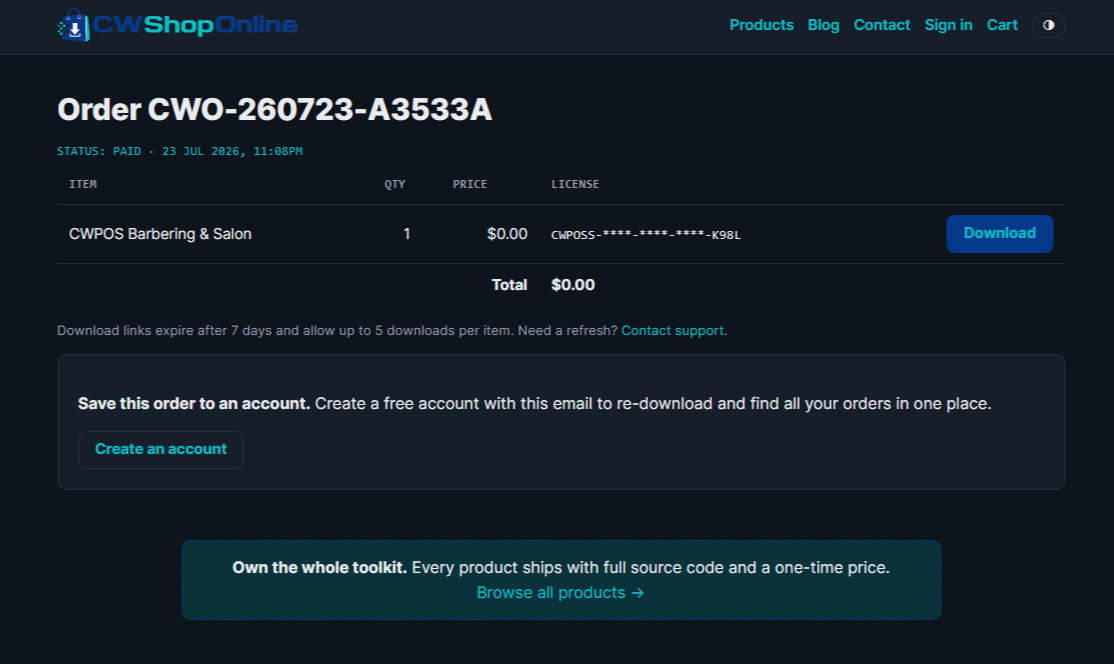
After payment, your download link and licence key appear on your order page and are emailed to you. Keep that email — the link is your ongoing access. If you created an account, everything is under My account too.
2. Upload to your hosting
Unzip the download and upload the files to your hosting account (via cPanel File Manager or FTP) into the folder where you want the app to live.
3. Run the setup
Open the app in your browser and follow the first-run setup to create your admin account. That's it — you're live.
Need a hand?
Setup questions are welcome any time through our contact page. We usually reply within one business day.